Read: 06 - JS Object Literals; The DOM
Today we will took a brief about Object Literals and Document Object Model [DOM]
JS Topics
- Object Literals
- Document Object Model
[DOM]
Let’s Start
Object Literals
Create An Object In JS
Object is an abstract data type where it can hold properties or method and in sometimes other Objects
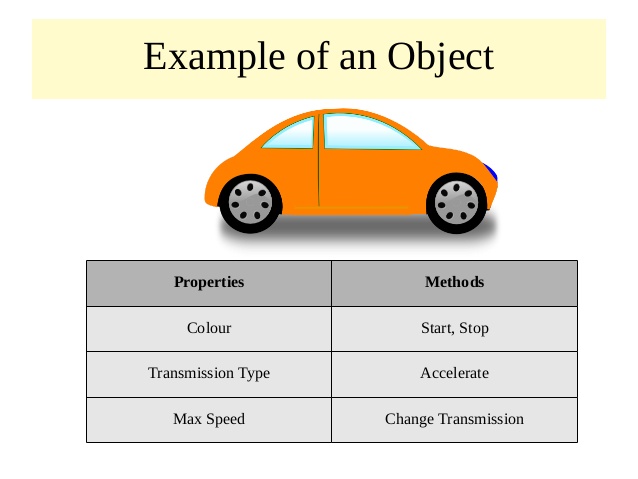
Create Object In JS
var person = {
  firstName : "John",
  lastName  : "Doe",
  age     : 50,
  eyeColor  : "blue"
};
For More Example : w3schools
Accessing Object In JS
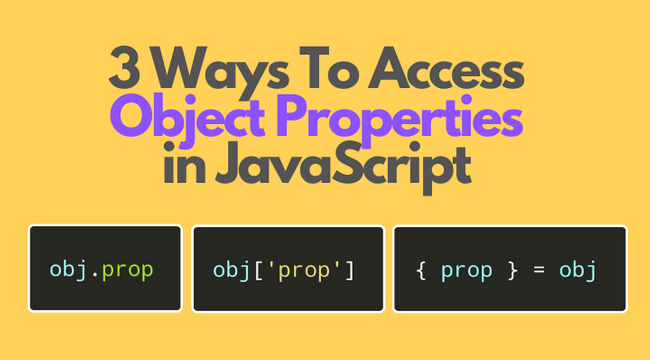
To Access The Properties or method in Objects we use Dot . and we can also use square brackets to access proprties
For Example
var person = {
  firstname:"John",
  lastname:"Doe",
  age:50,
  eyecolor:"blue"
};

document.getElementById("demo").innerHTML = person["firstname"] + " is " + person["age"] + " years old.";
Document Object Model
What is DOM
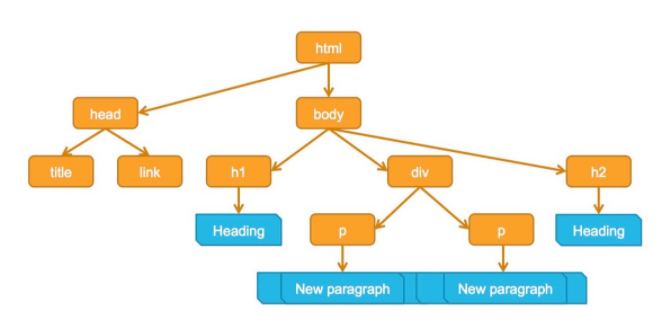
The Document Object Model (DOM) is the data representation of the objects that comprise the structure and content of a document on the web. DOM Tree is a Model Of WebPage
Working with DOM Tree
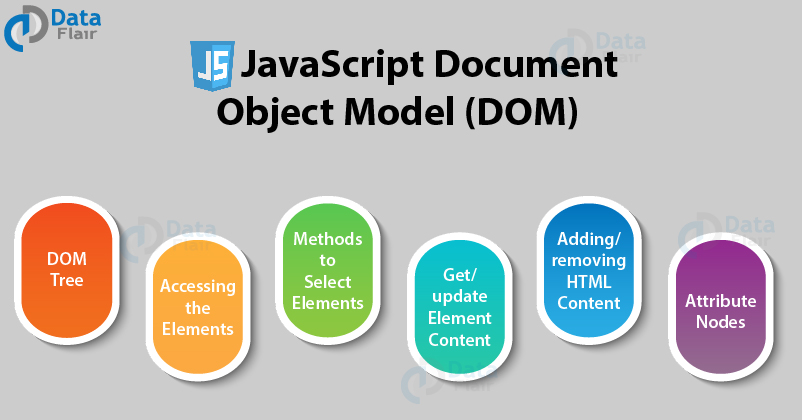
TO Access and Update An Element In DOM Tree You Need
- Determine the Node that Represent the Element
- Use it’s text Content and attributes
For Example
<!DOCTYPE html>
<html>
<body>

<h2>My First Page</h2>

<p id="demo"></p>

<script>
document.getElementById("demo").innerHTML = "Hello World!";
</script>

</body>
</html>
For More Example : w3schools
JavaScript HTML DOM Node Lists
A NodeList object is a list (collection) of nodes extracted from a document.
For Example
<!DOCTYPE html>
<html>
<body>

<h2>JavaScript HTML DOM!</h2>

<p>Hello World!</p>

<p>Hello Norway!</p>

<p>Click the button to change the color of all p elements.</p>

<button onclick="myFunction()">Try it</button>

<script>
function myFunction() {
  var myNodelist = document.querySelectorAll("p");
  var i;
  for (i = 0; i < myNodelist.length; i++) {
    myNodelist[i].style.color = "red";
  }
}
</script>

</body>
</html>
For More Example : w3schools
Contact Info :
Please Feel Free To Contact Me When You Need help ^_^
- www.facebook.com/aghyadalbalkhi
- Email : aghyadalbalkhi@gmail.com